原文:知乎文章
开源地址:https://github.com/liguobao/dsh-file-viewer
DeepSeek Harness File Viewer
- 很纯粹,就是一个文件查看器,什么都没有了。
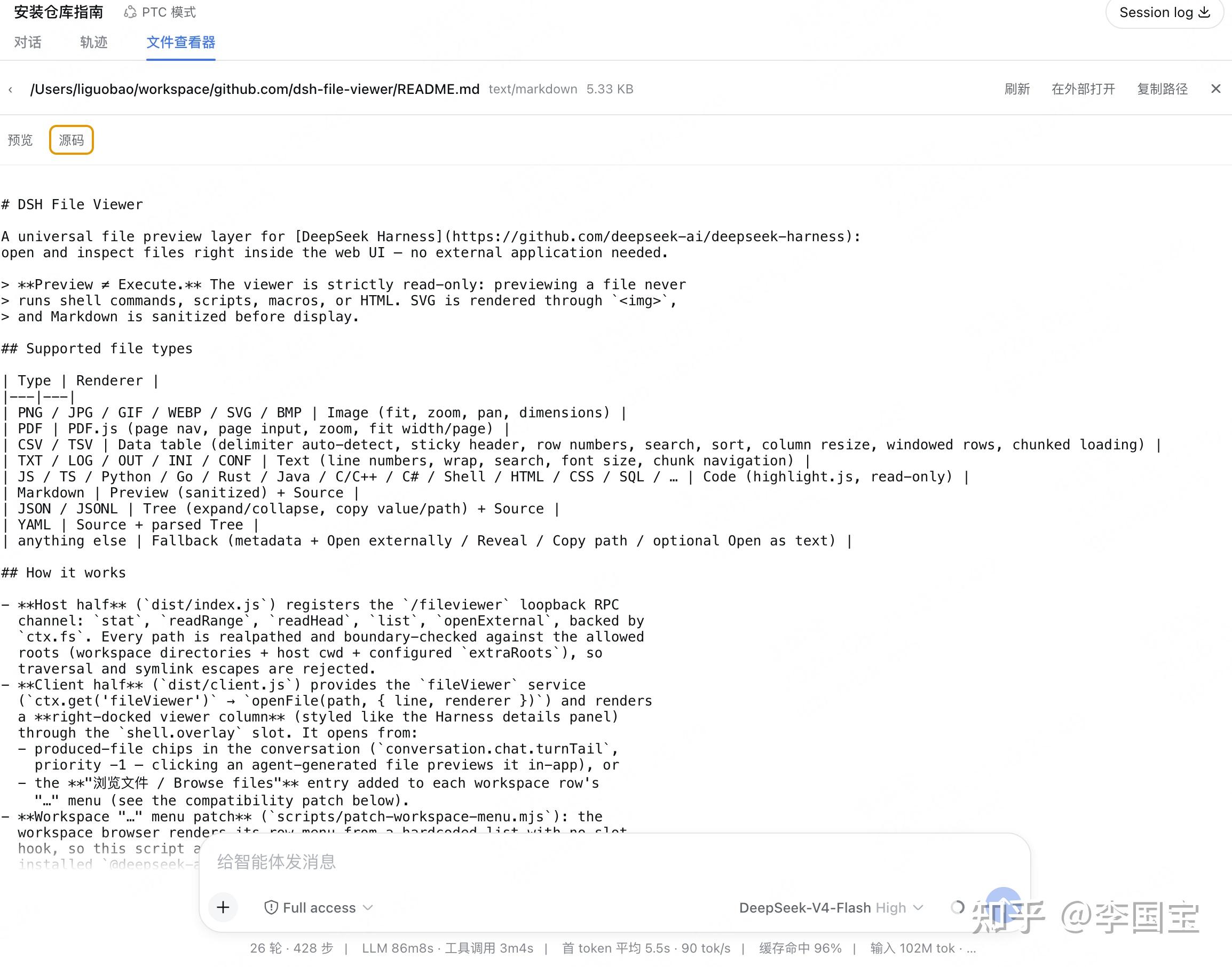
DSH File Viewer
A universal file preview layer for DeepSeek Harness: open and inspect files right inside the web UI — no external application needed.
Preview ≠ Execute. The viewer is strictly read-only: previewing a file never runs shell commands, scripts, macros, or HTML. SVG is rendered through <img>, and Markdown is sanitized before display.给要什么没什么DeepSeek Harness,写一个文件浏览的插件,支持了常见的文件类型,基本能看了。
如果是对话中产生的文件,直接在底部新增一个Chips栏目,点击就可以看。
社区上现在也有好几个类似的插件了,不过支持文件多的,比较纯粹的是当前这个插件了。
| 插件 | 一句话简介 |
|---|---|
| dsh-file-viewer | 右栏通用文件预览层,支持图片/PDF/CSV/Markdown/JSON/YAML/代码等 |
| @wingsky-1/dsh-web-file-preview | 点击对话中的文件链接弹出预览 |
| @undeadsheep/dsh-file-preview | 悬浮窗预览工作区文件,可编辑 |
| GitHubJiKe/dsh-markdown-preview | 对话流内渲染 Markdown/图片/文本 |
| Nothree-code/folder-tree-sh | 文件树加多标签预览,支持 PDF/DOCX/CSV |
| @lijian-ui/dsh-file-manager | 右侧文件管理器,支持 10+ 格式预览和 Git 操作 |
| chengzhi43/dsh-file | VS Code 风格文件管理器,Monaco 编辑 |
| DSH-better-sidebar | 侧边栏工作台,集成文件预览、终端、Git |
当然各取所需就好了,我这边是不打算做编辑和对比的,只是看下内容就完事了。
不过,结合 https://github.com/liguobao/deepseek-harness-remote Remote插件,
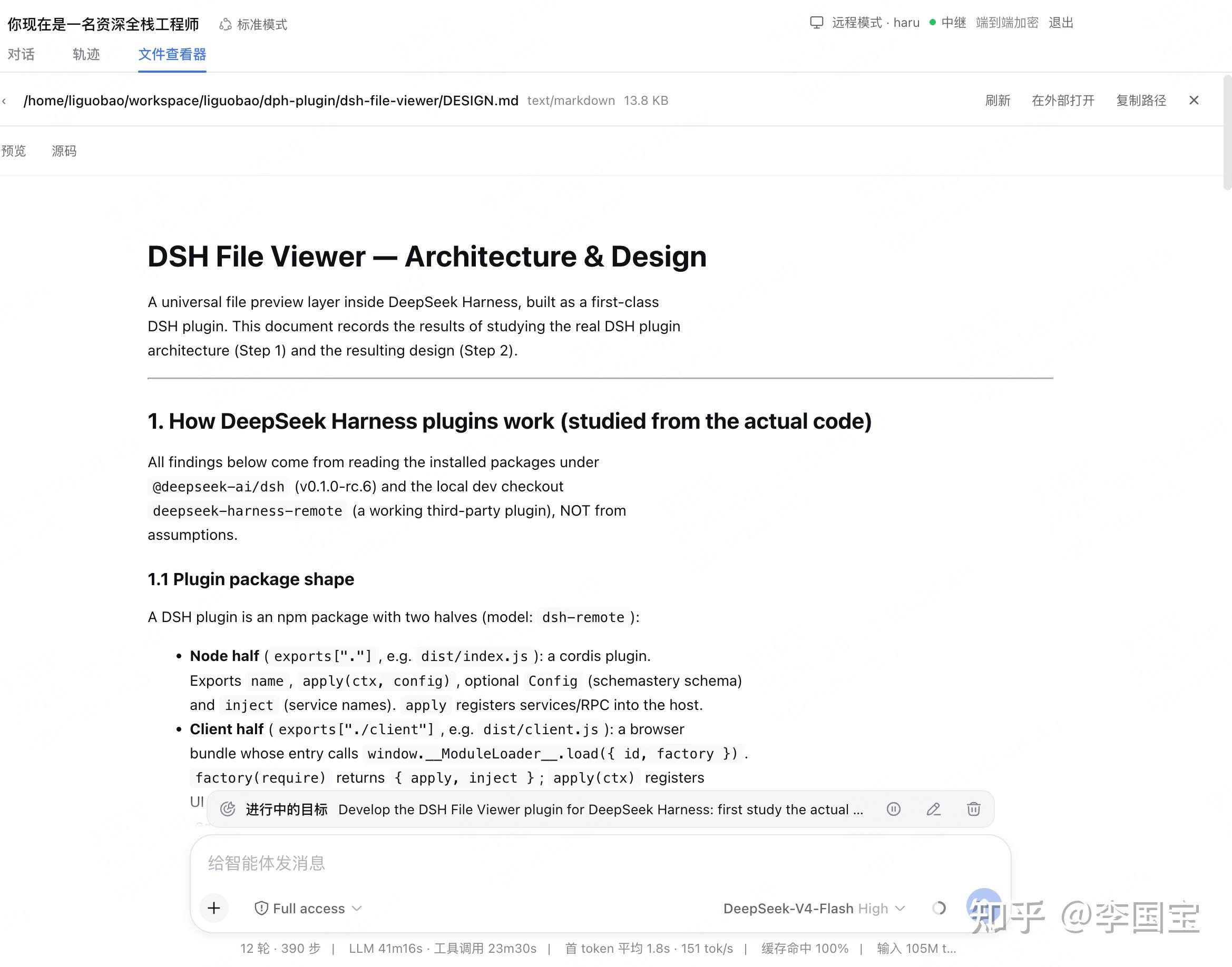
也是支持直接查看远端的的文件内容的,
走的依旧是内部Host 的Remote RPC,
中间服务器看不到任何的内容,足够的安全可靠。
好了,完事。
扩展阅读: