原文:知乎文章
首先,你有个DeepSeek Harness,可以使用我打包的 DS Harness Desktop
如果是使用 DS Harness Desktop,可以在插件里面安装。( 点一下在线更新也可以~!!
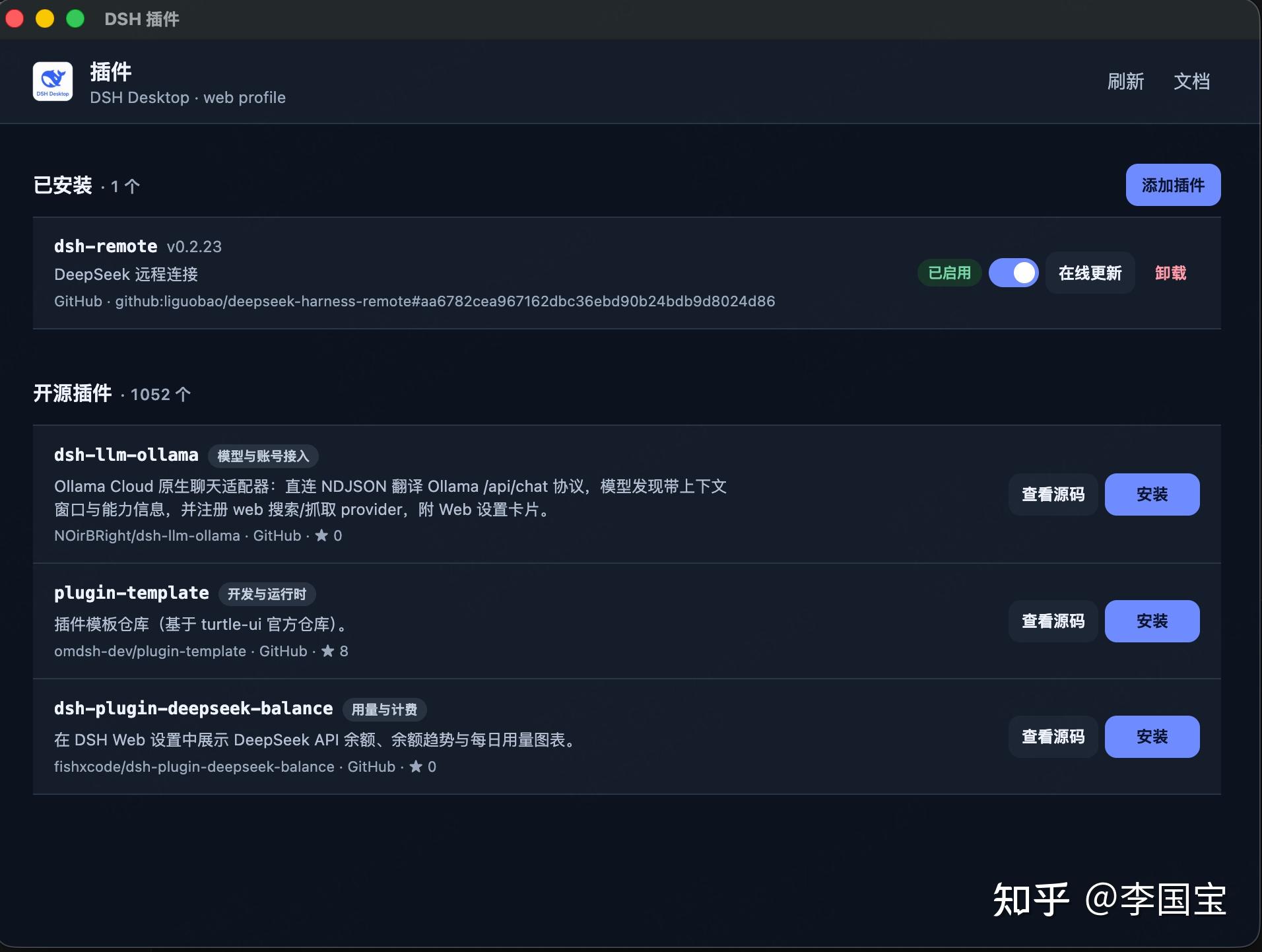
如果是命令行,使用下面这个:
dsh plugin --profile web add "github:liguobao/deepseek-harness-remote#v0.2.23"
dsh --profile web
配置入口
- 在 DeepSeek Harness Remote - 随时随地继续你的工作 这边生成「设备连接码」。
- 在设置-插件-DeepSeek 远程连接 输入 上一步的「连接码」
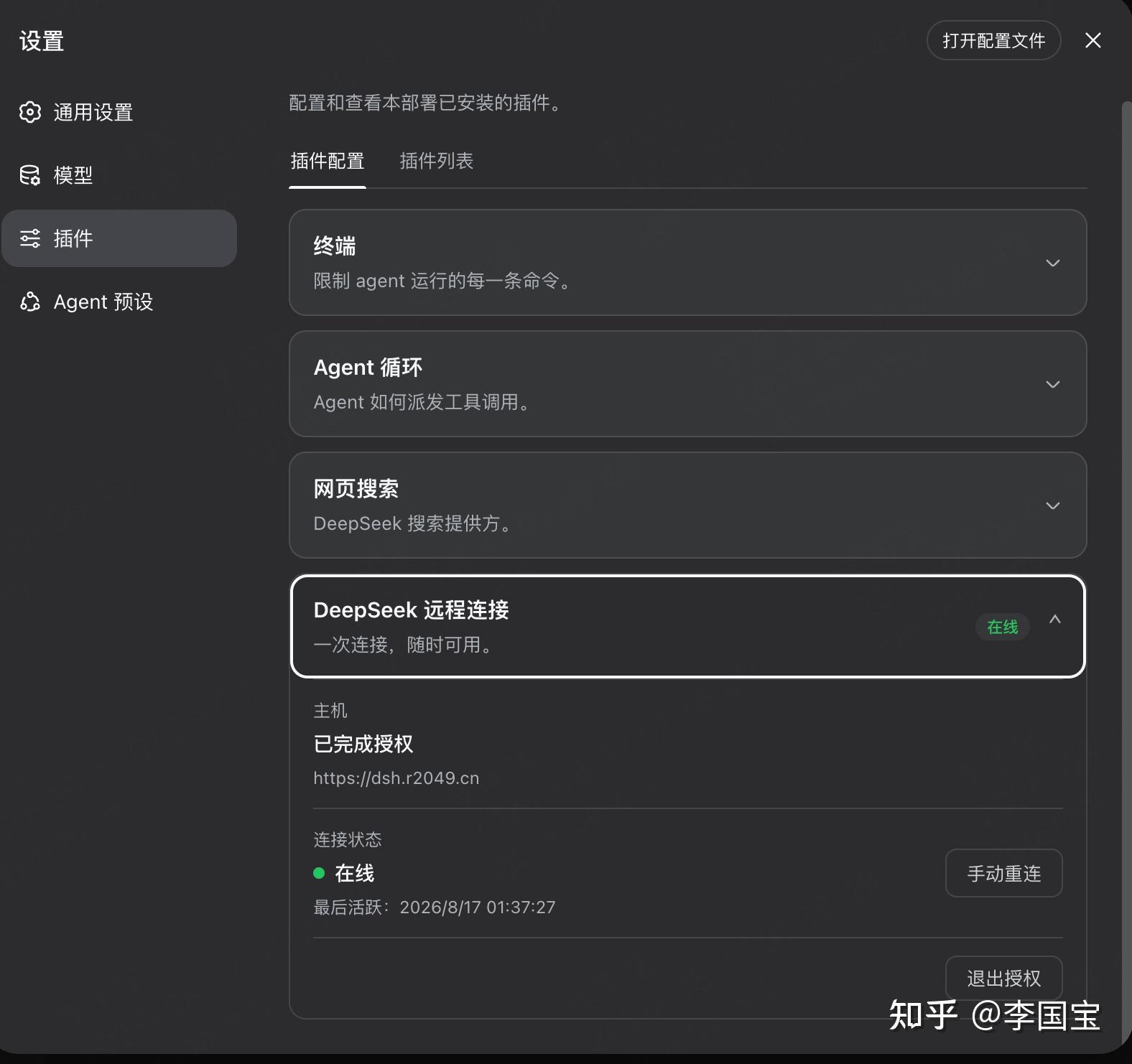
然后,就完事了。
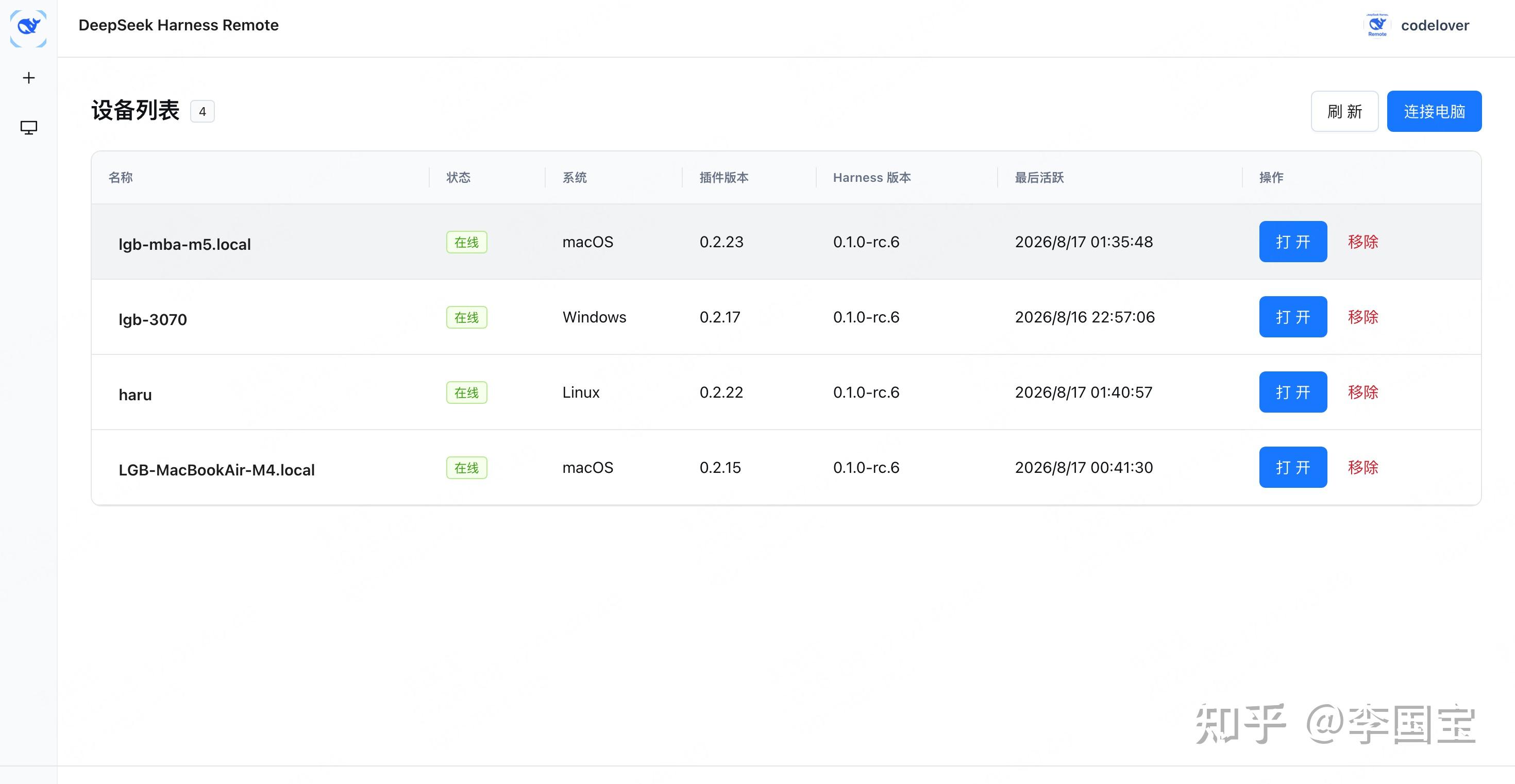
打开站点,选择设备,连接。
桌面版的Remote,设置上方,点击后选择设备。
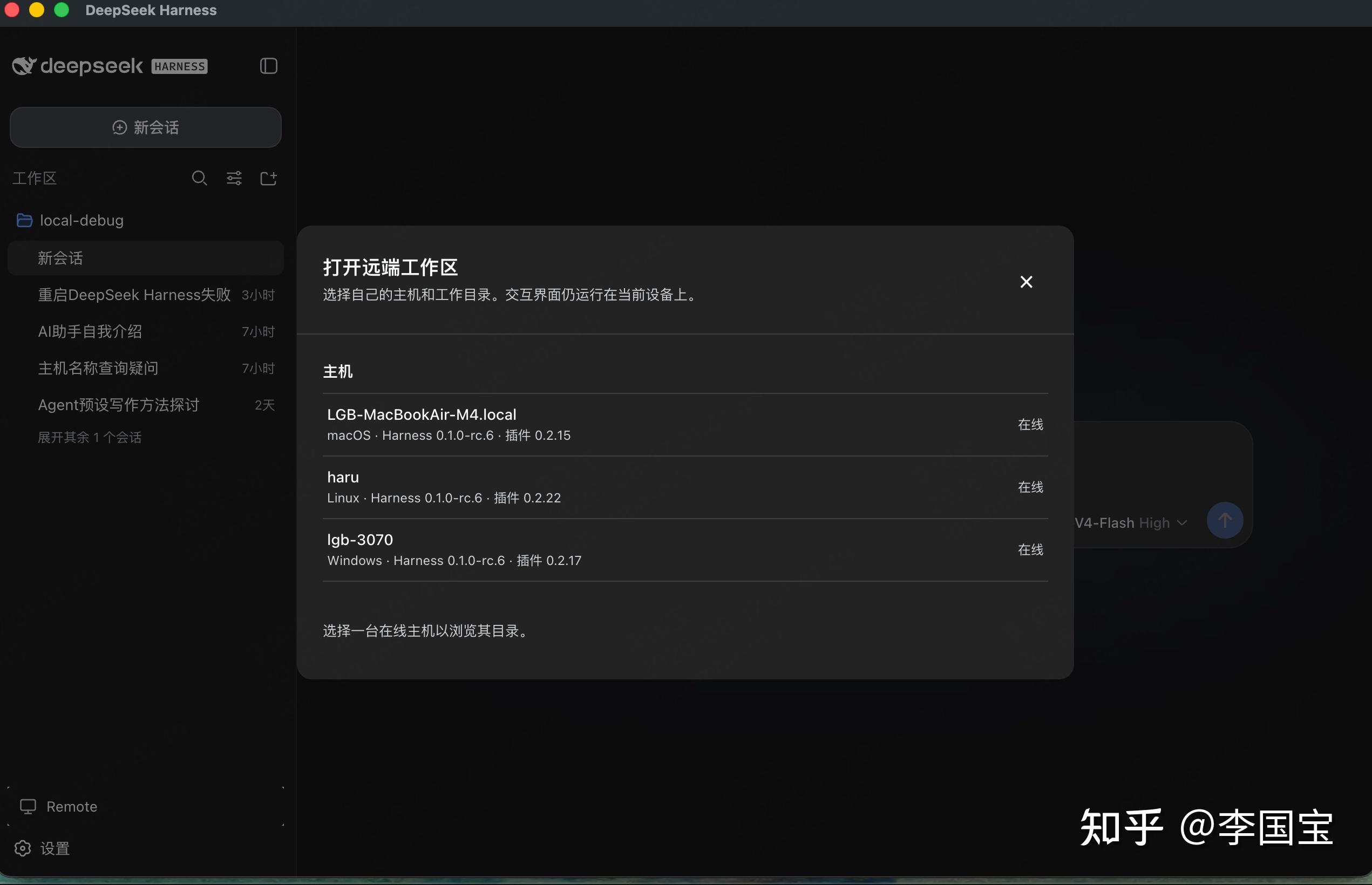
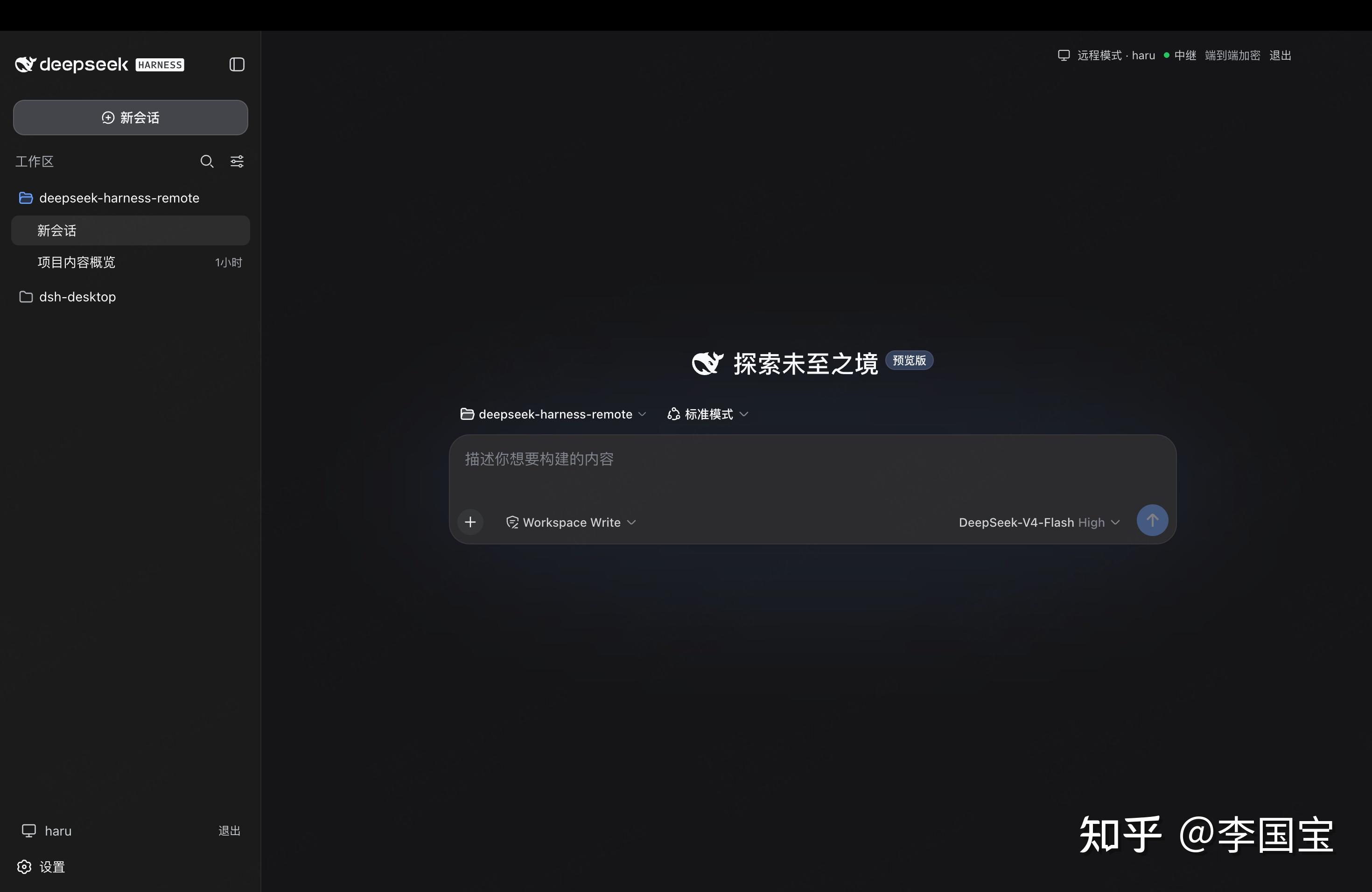
好了,搞完了。
谢谢支持!!~~
开源地址:
推荐阅读: